
 Storify is a great way to bring together tweets at an event where participants have included a dedicated hashtag. These can be searched for within Storify and embedded into the story you create.
Here is an example from a previous Learning and Teaching Conference. The event hashtag assigned was #ACES2012. Delegates who chose to tweet about the event included this hashtag in their tweets.
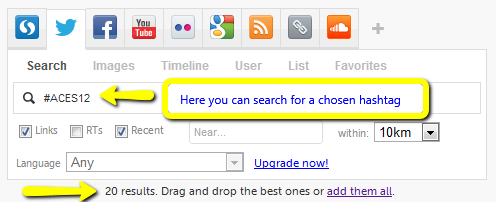
You can then select the tweets results that appear and either select all tweets or drag individual ones to the left pane of your new Storify.
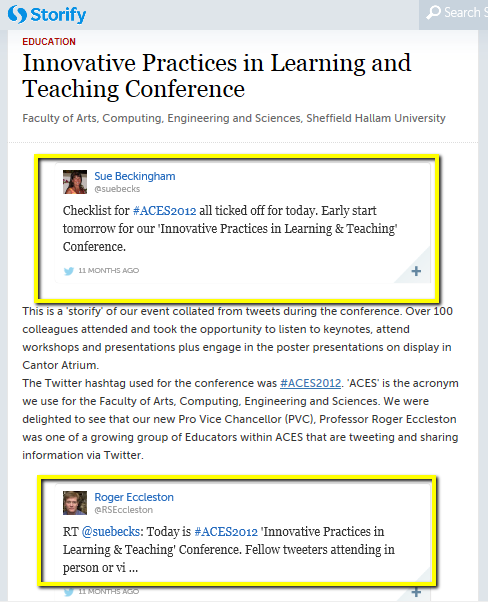
There is a section to give your story a title and sub title. You can add as many tweets as you wish to drag across. To give your story context you can add text boxes and these will appear between the tweets as you can see below. Once you have completed your story you can then share the link through the usual social media channels.

 Sue Beckingham






 Social Media for Learning